 MO Hub
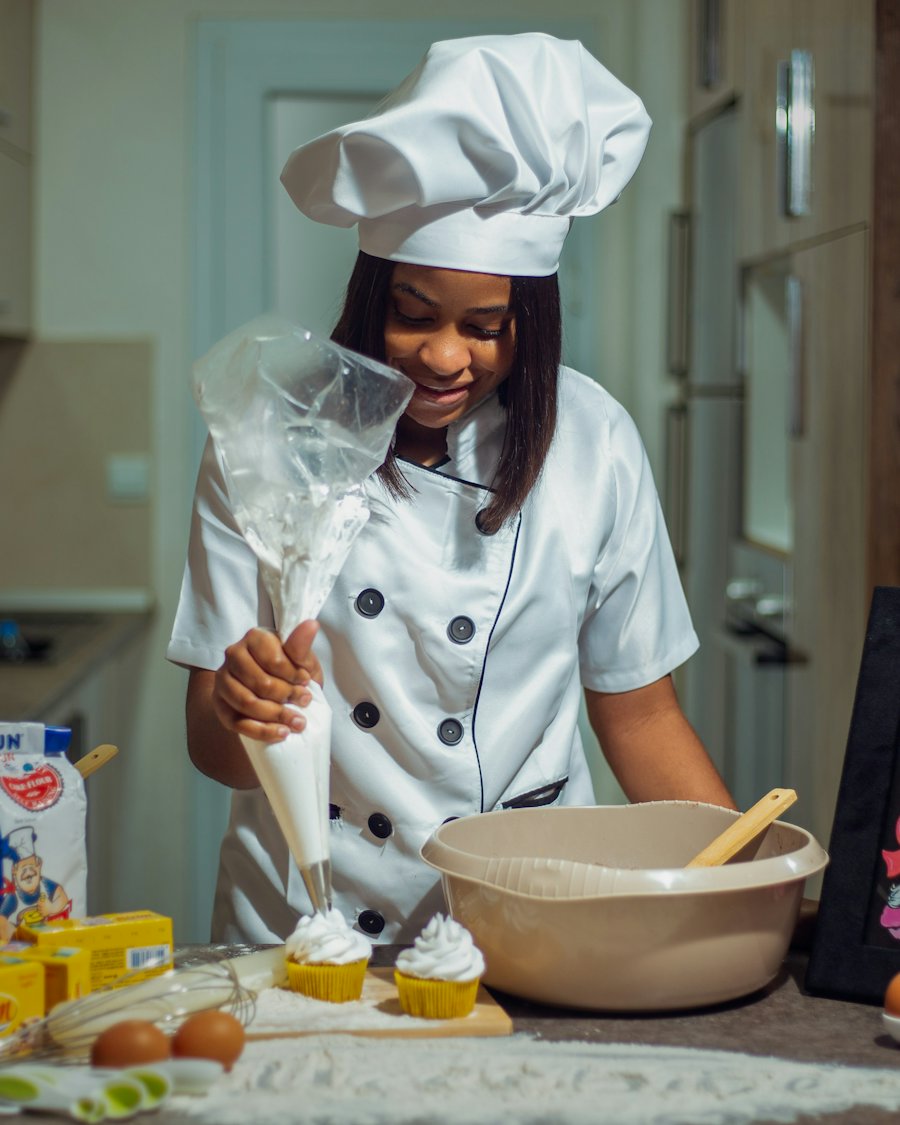
Team members
Open recipes, SOPs, training and stock for their outlet, read announcements, and message colleagues.
For hotels
Each restaurant, bar and lounge keeps its own menus and content. F&B leaders work across all of them, and your Property Admin looks after people and access.
Admins edit. Colleagues view what is relevant to their outlet.
Open recipes, SOPs, training and stock for their outlet, read announcements, and message colleagues.
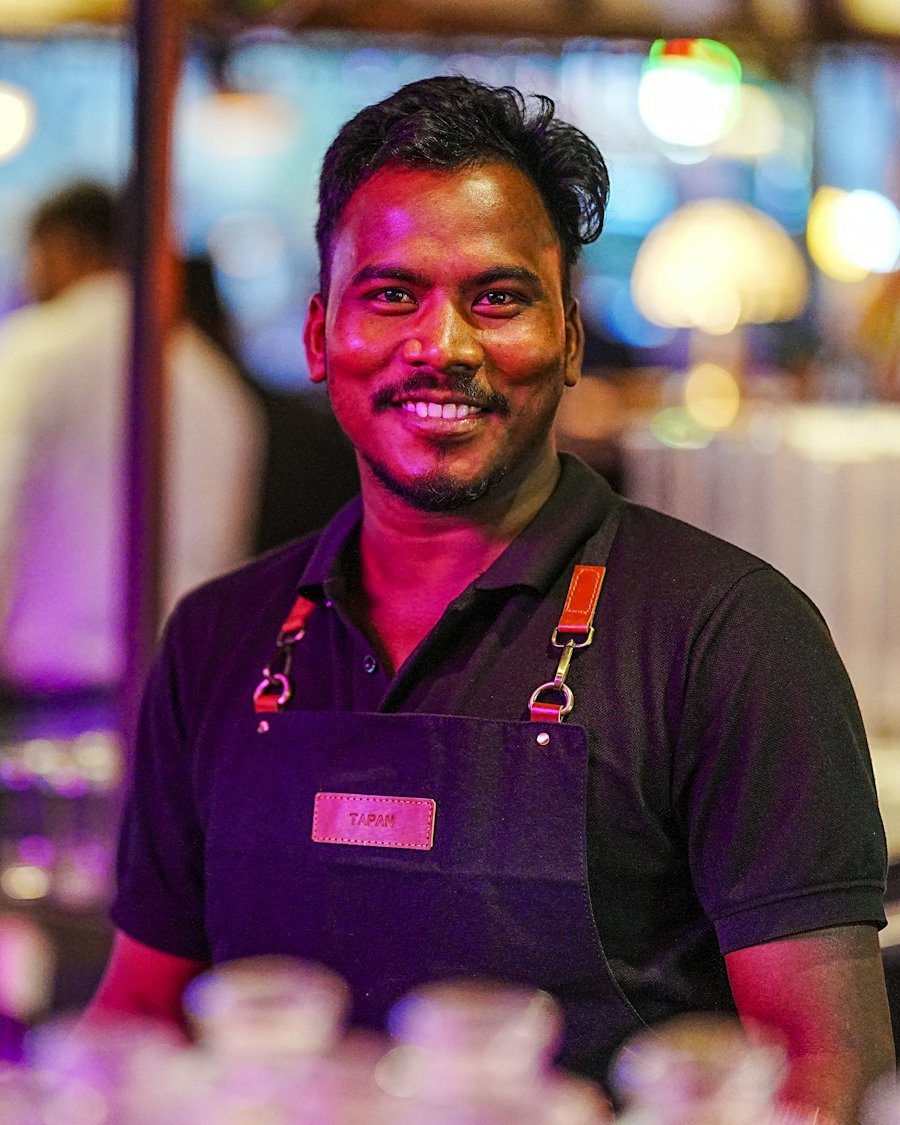
Keep their outlet's menus, recipes, prebatches and stock current, and post announcements to their team.
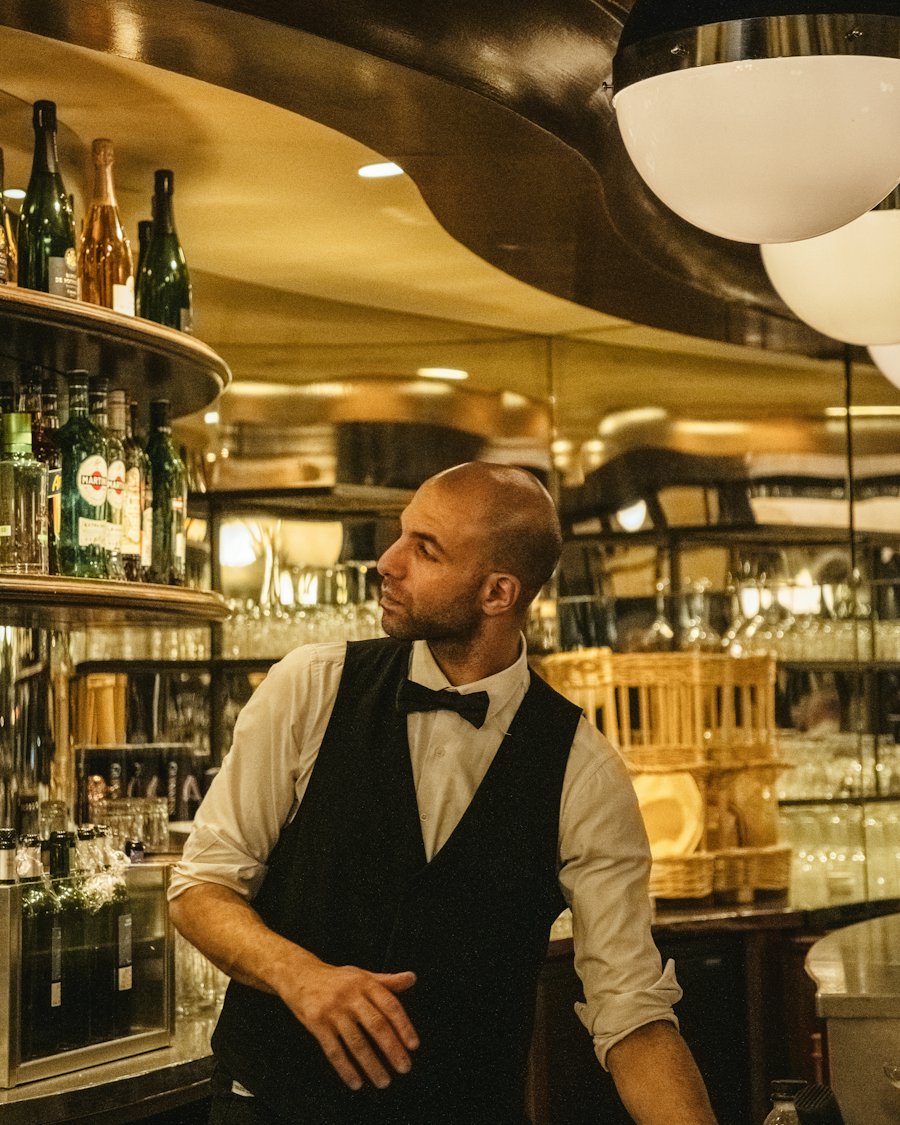
Work across all outlets in the property and publish shared standards.

Create outlets and staff accounts, and manage who has access. They look after people and access, not menu content.
Every account is created by your Property Admin. A new property is verified before it goes live.
Team members sign in with your Property ID, their Staff ID and a password. No personal email address is needed.
Admins remove access. A former employee can also ask for their account to be deleted from the app or on our account deletion page.
Content is scoped to your property and, within it, to each outlet and role. Each property's content is kept separate.
Our Privacy Policy and Terms of Service explain what is collected and why.
The app's menus and buttons are available in eight languages: English, Arabic, Chinese, French, Hindi, Russian, Spanish and Tagalog. Recipes, SOPs and messages stay in the language your team wrote them in. Translations other than English may not be perfect yet. Tell us if you spot a mistake.
Tell us about your outlets and we will show you how MO Hub fits.